
Browser Extension
Save any job in one click.
Browse LinkedIn, Indeed, Glassdoor, or any page, and bookmark jobs straight into your Apply Maxxing tracker without leaving the tab.
How it works
Three steps, zero friction
01
Browse jobs anywhere
Open any job listing on LinkedIn, Indeed, Glassdoor, or any other site. The extension is always ready.
02
Click to save
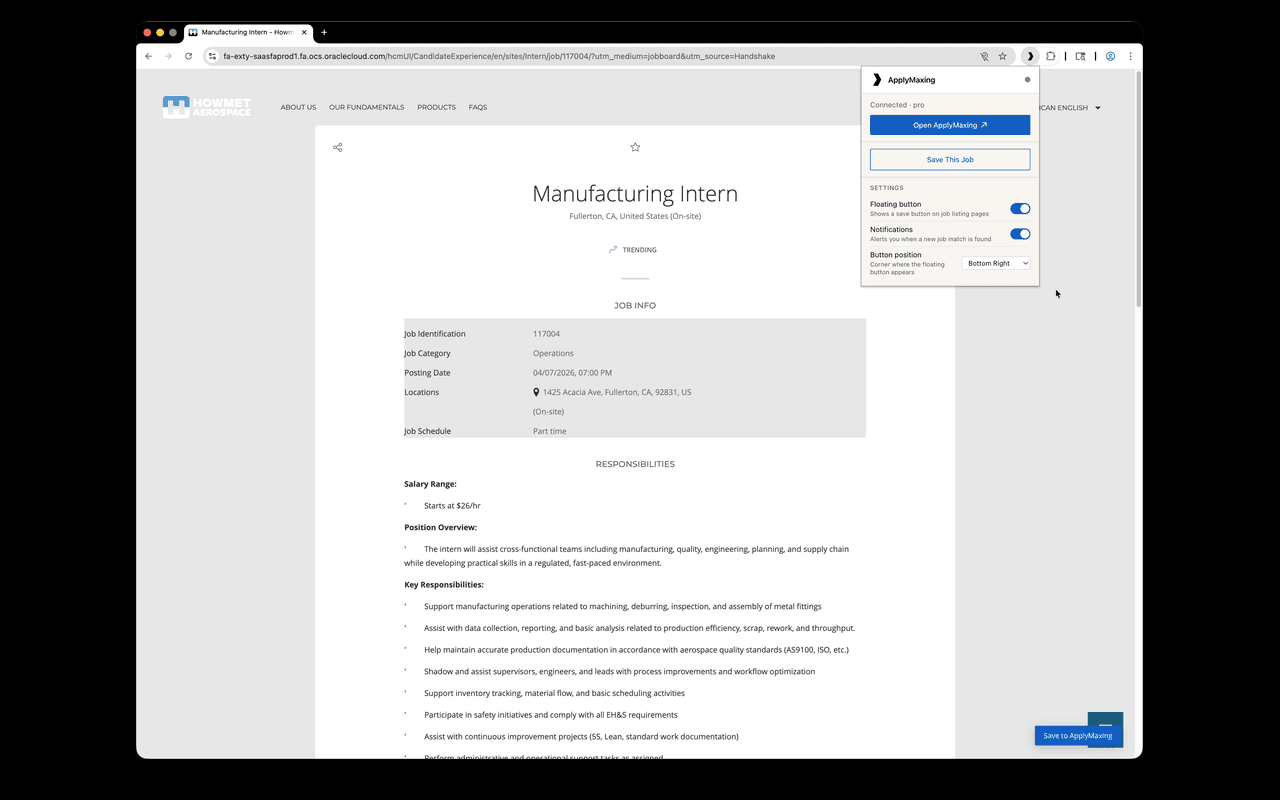
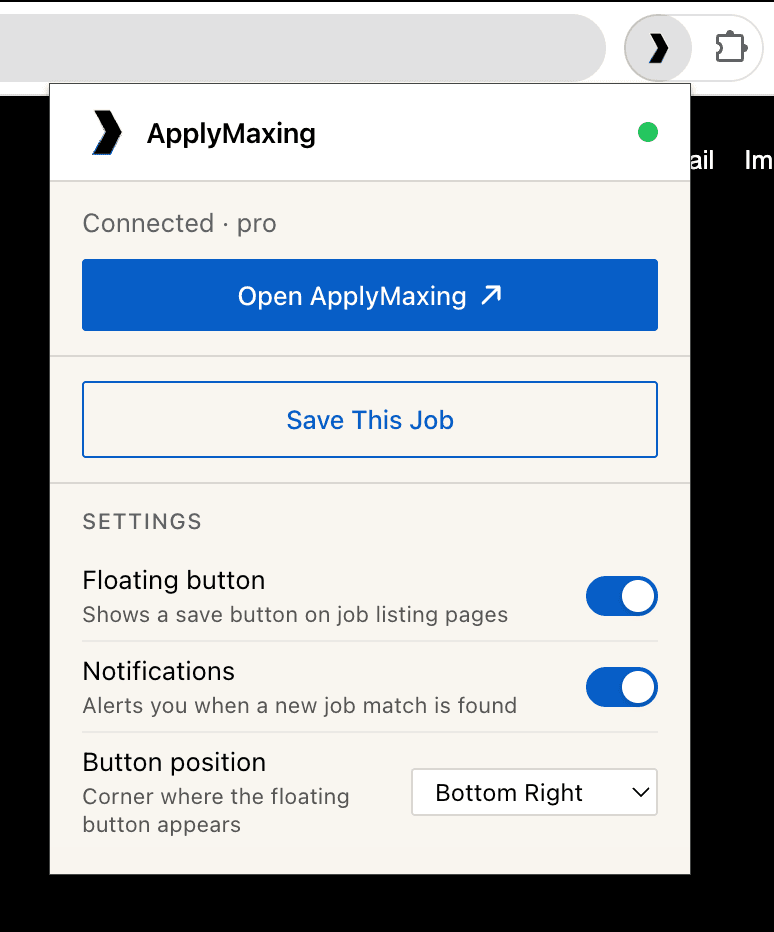
Tap the extension icon in your toolbar, or use the in-page "Save job" button injected directly into the listing.
03
Track in your dashboard
The job appears instantly in your Apply Maxxing tracker under "Saved": ready for you to apply when the time is right.
Works on
- Indeed
- Glassdoor
- Any page
See it in action
The extension, up close

Available now
Start saving jobs today.
Free to install. Works alongside your Apply Maxxing subscription.
Also works on Brave and any Chromium-based browser.